
Built for traders who don't take prisoners.
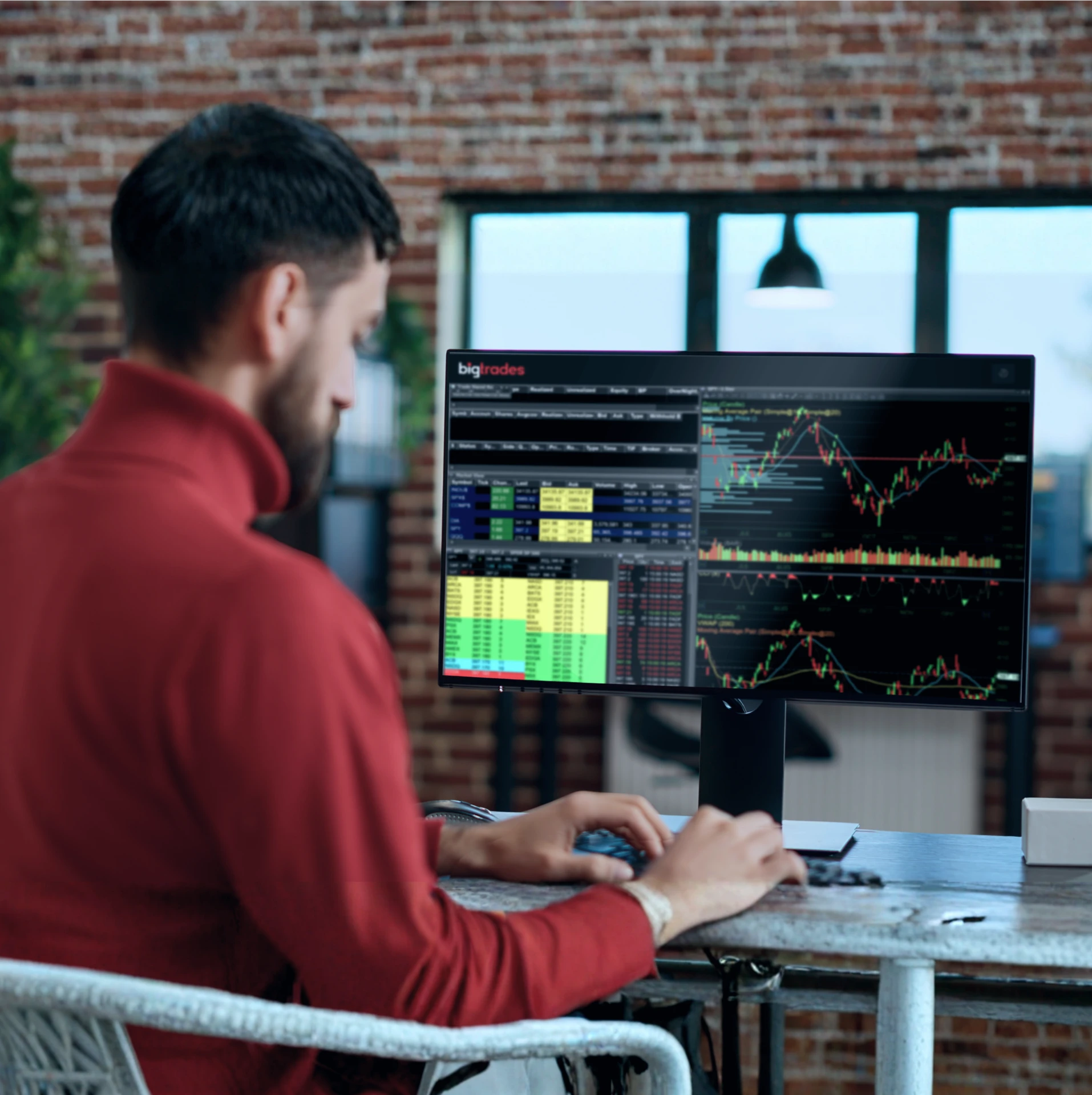
bigPRO is our desktop-class workstation. Unlimited customization, full hotkey support, multi-monitor mastery, and direct-access routing. If trading is your job, this is the cockpit.
A serious platform for serious traders.
bigPRO is the platform active day traders, scalpers, and short sellers reach for when execution speed and screen real estate aren’t optional. Every feature is engineered around one idea: get out of your way and let you trade.
Multi-monitor command center
Unlimited windows across as many monitors as you can hang. Detach charts, locates, scanners, and execution windows; arrange them how your eyes work; save the layout.
Hotkeys & point-and-click trading
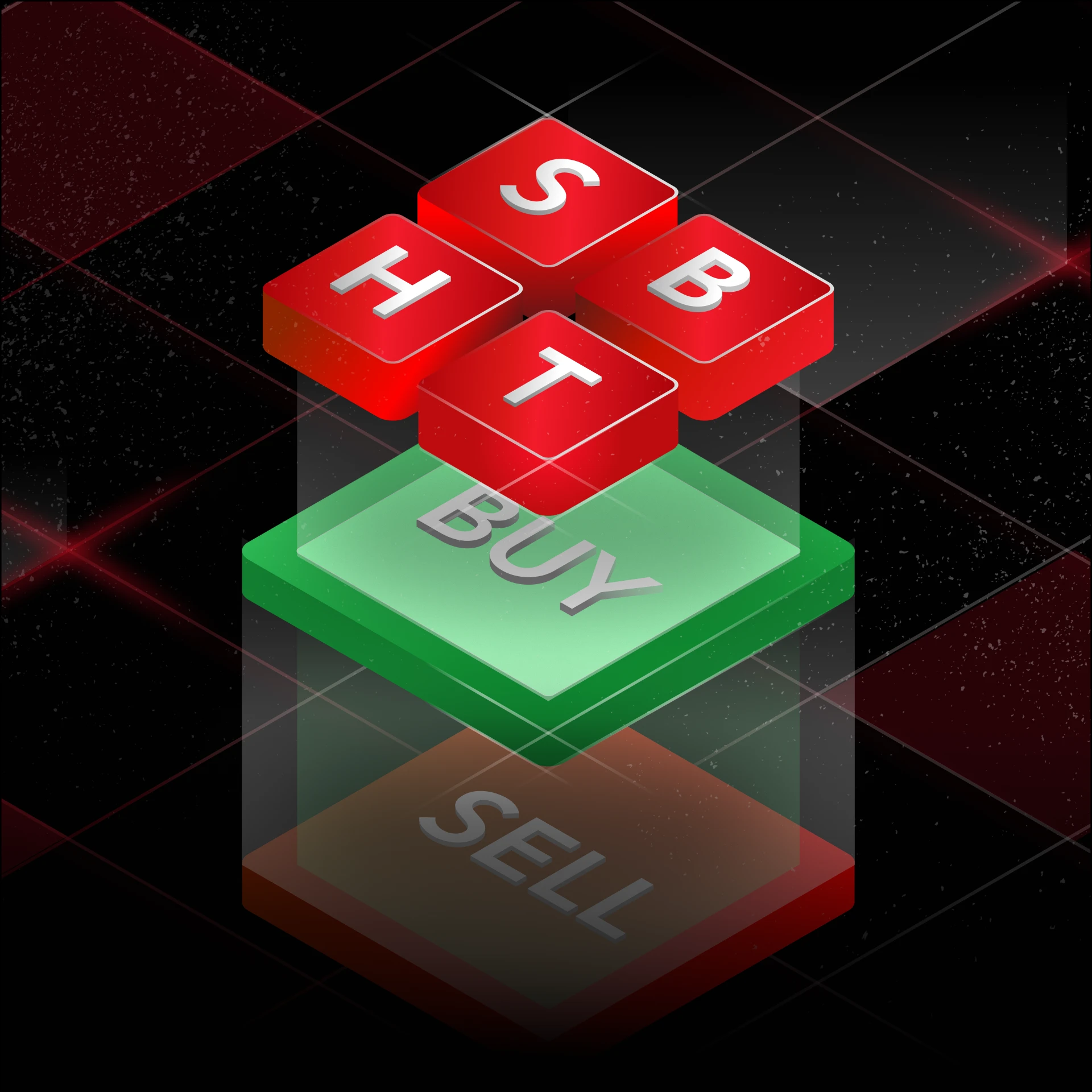
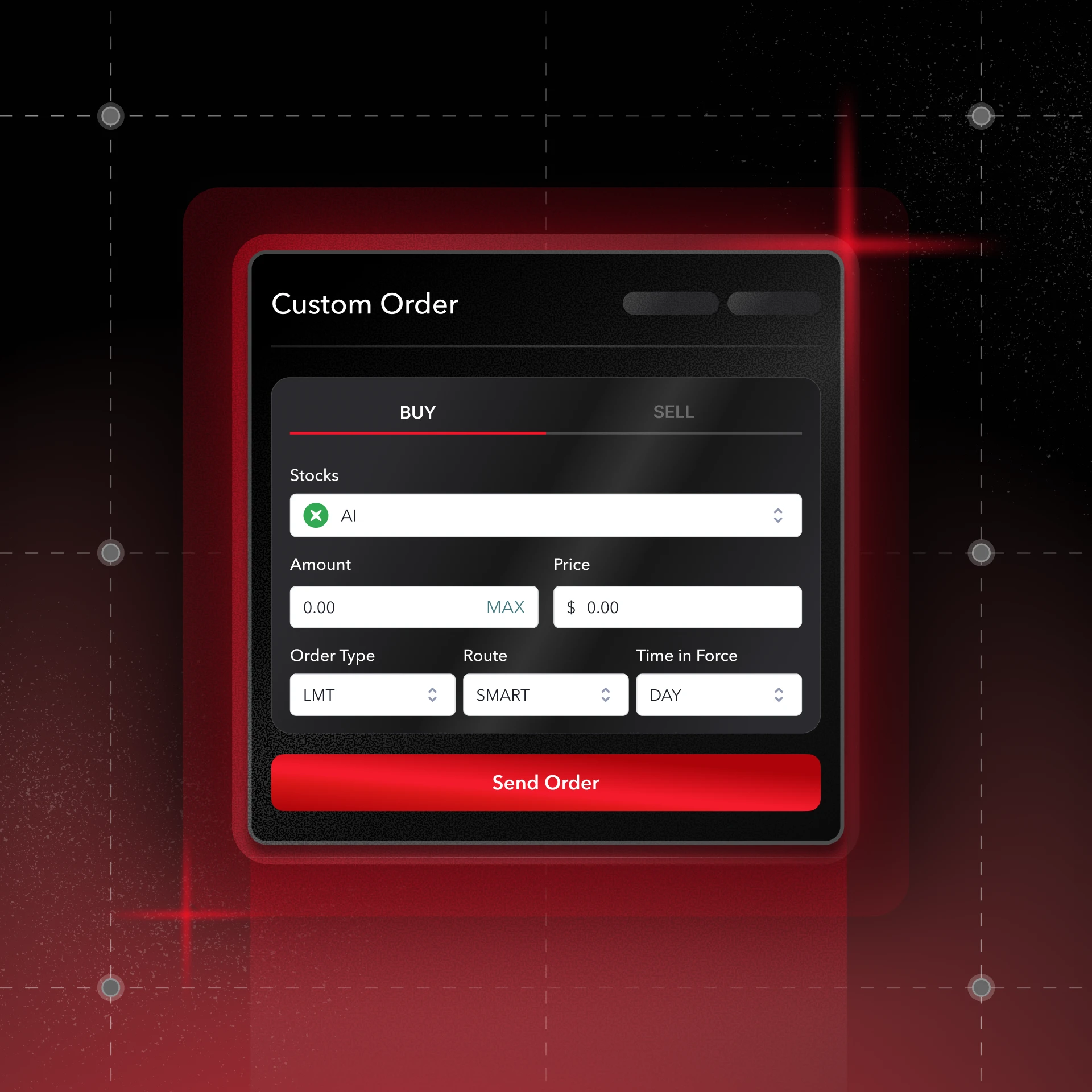
Full hotkey support for every action; buy, sell, cancel, ladder, scale out. Trigger orders from charts, Level 2, time & sales, or your own custom buttons. Drag a stop, drop a target, walk the order. Your charts are an execution surface, not a picture.
Advanced charting
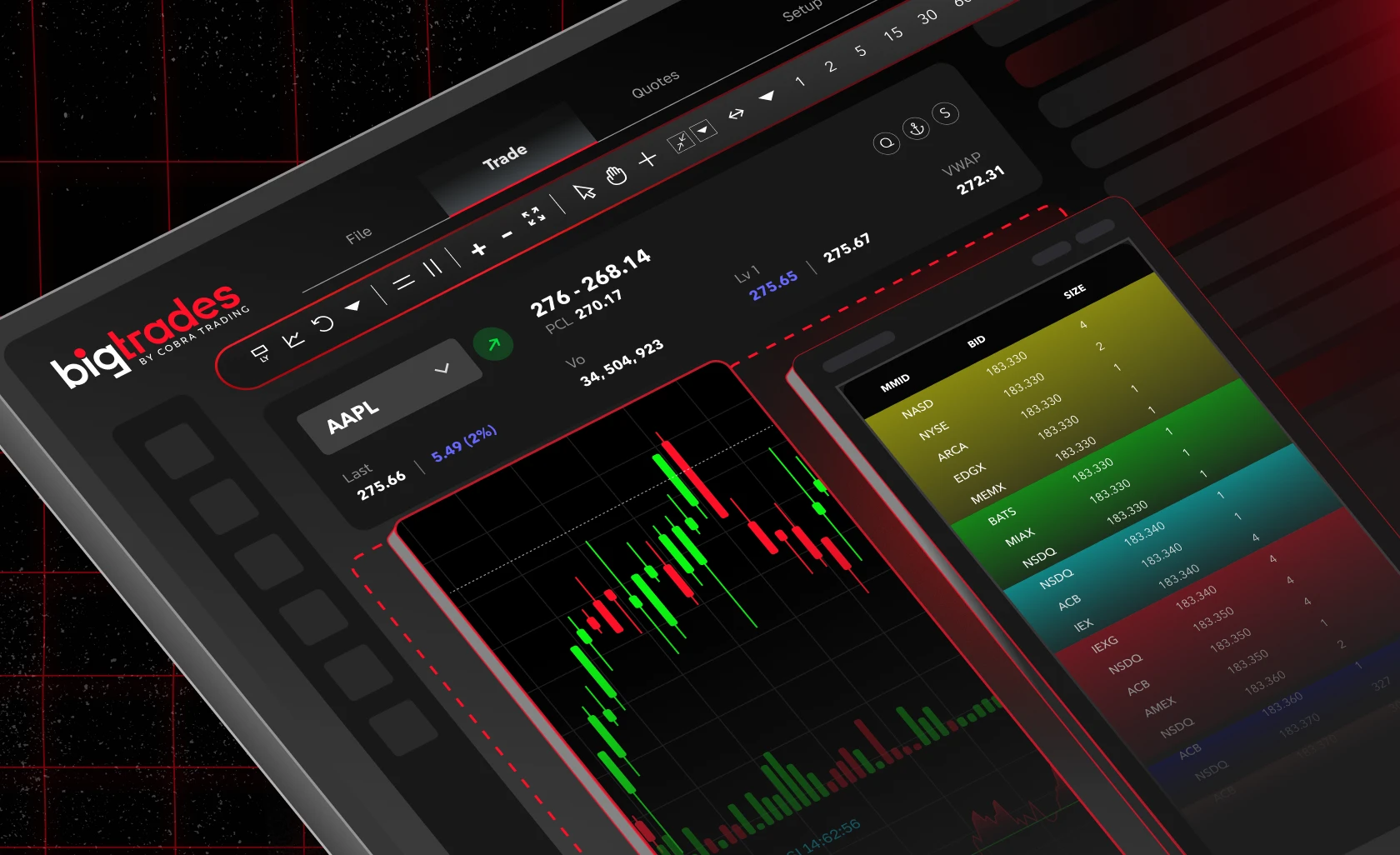
40+ technical studies, custom indicators, multiple time frames, and chart trading.
Real-time scanner & news
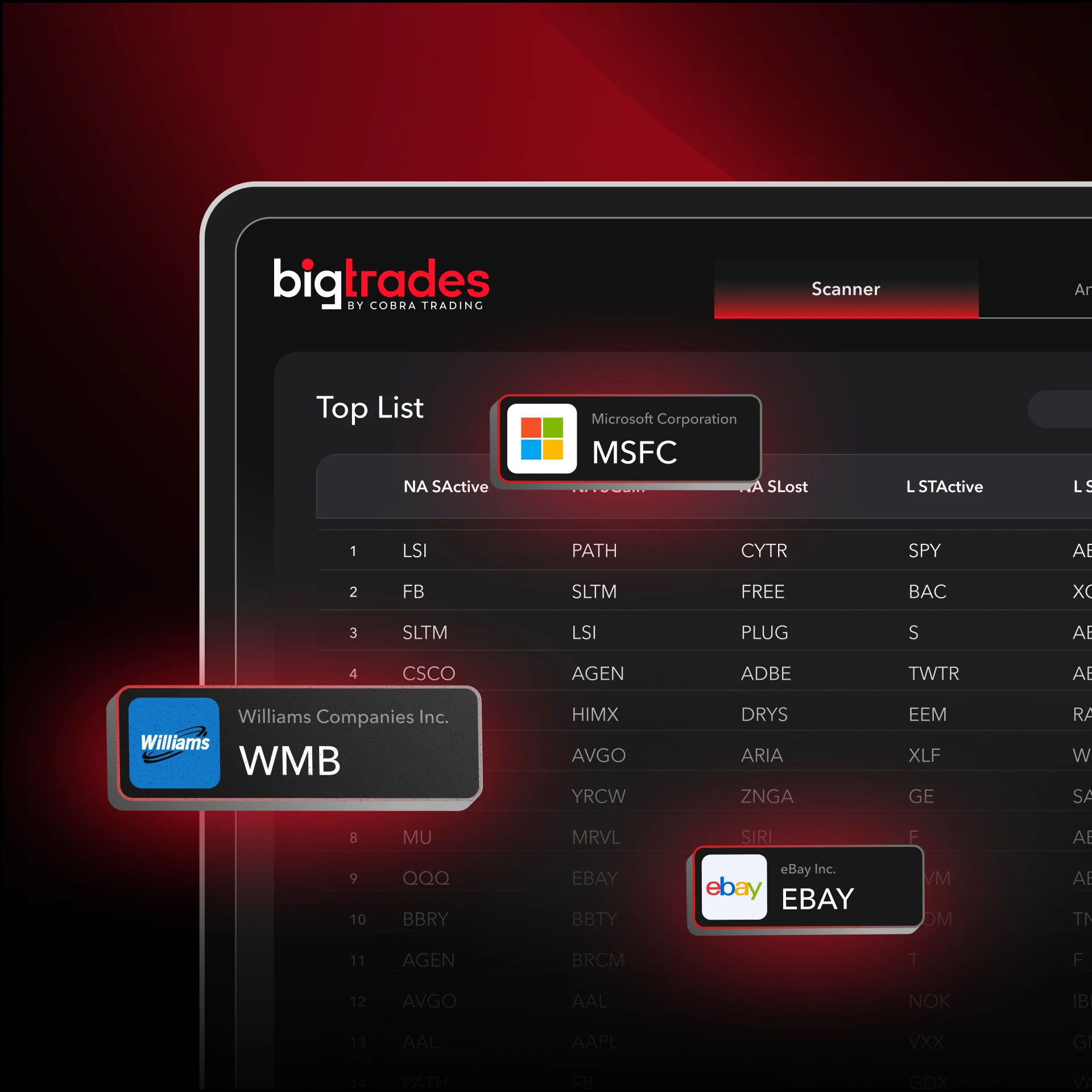
Built-in scanner finds the movers in real time. Streaming news covers earnings, halts, mergers, breakouts; the catalysts you trade around.
Multiple stop types & advanced orders
Trailing stops, range stops, market-on-close, hidden, reserve, and more. Build risk management into the order, not into your reflexes.
Locates & short selling
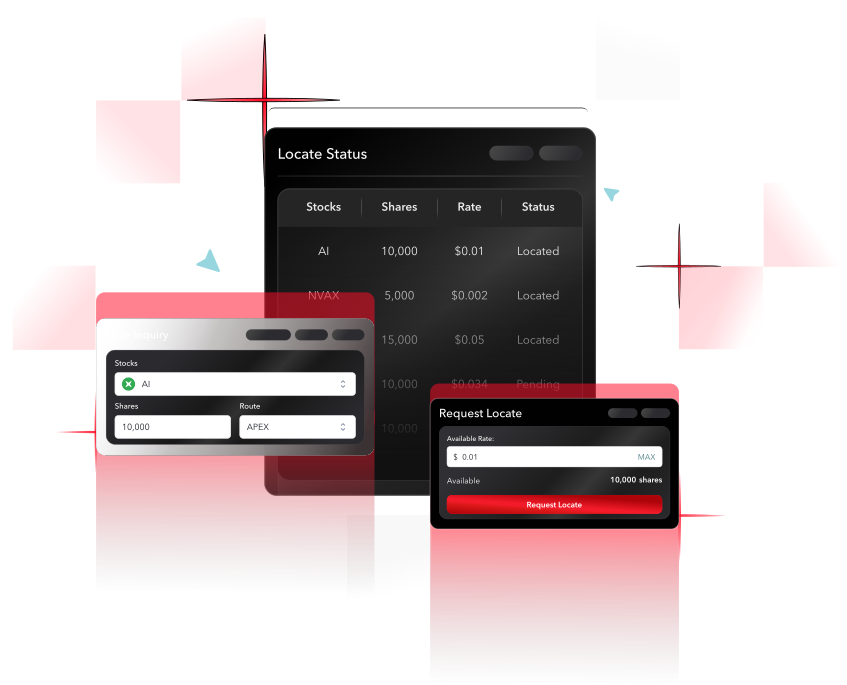
Plug into Cobra’s full locate inventory (short locates, pre-borrows, and direct non-easy-to-borrow locates) without leaving the platform.
Multi-account management
Trade and allocate across multiple accounts from a single window. Useful for IRAs, family accounts, and pro setups.

Who bigPRO is for.
Active day traders who run from market open to close
Short sellers who need fast access to locates and pre-borrows
Scalpers who live and die by hotkeys and Level 2
Multi-monitor setups where chart real estate matters
Traders managing multiple accounts in one session
System Requirements
Recommended specs (Windows PC)
| Category | Description |
|---|---|
| Processor | Core 2 Duo 2 GHz or better |
| Memory | 4 GB RAM minimum |
| Operating System | Windows 10 or higher (Windows Server 2008 or higher also supported) |
| Internet | Cable or DSL — at least 10/10 Mbps down/up recommended |
| Firewall | bigPRO must be allowed through Windows Firewall |
| Graphics | OpenGL 4.4 or higher required for ChartEx (5-second charting) |
On a Mac?
bigPRO is a Windows-native platform, and we do not recommend running it through Parallels or other Windows VMs. Virtualization layers consistently lag behind on the graphics and OpenGL support modern bigPRO releases require — which can cost you charting performance when it matters most.
Two paths we do recommend for Mac users:
- Run a dedicated Windows machine. An inexpensive mini-PC, Windows laptop, or Windows tablet makes a solid dedicated trading rig and will hit the OpenGL 4.4 requirement out of the box.
- Install Boot Camp. On supported Macs, partition the drive and boot into Windows when you trade.
If you’d rather avoid Windows entirely, bigWeb runs natively in Safari and Chrome on macOS.
Multi-monitor setups
Running a command center? You’ll need a Windows PC (not a Mac) and a dedicated graphics card to drive multiple displays cleanly. bigPRO supports unlimited windows across as many monitors as your GPU can power.
Platform Fees
$99/mo
FAQ
Can I use bigPRO on a Mac?
bigPRO is Windows-native, and we no longer recommend Parallels or other Windows VMs — they tend to lag on the graphics and OpenGL support bigPRO needs to run cleanly. Mac users have two solid options: install Boot Camp and boot a Windows partition, or pick up an inexpensive Windows machine (a mini-PC, budget laptop, or Windows tablet works fine) as a dedicated trading rig. If you’d rather skip Windows entirely, bigWeb runs natively in Safari and Chrome on macOS.
Are hotkeys customizable?
Fully. Every action in bigPRO can be bound to the keys, mouse buttons, or stream deck setup that fits your workflow. If you need help setting up your hotkeys, contact our support team via chat during business hours and they will help you set them up.
Can I trade options on bigPRO?
Yes. bigPRO supports stocks and listed options.
Will bigPRO sync with my mobile app?
Yes. Your account is the same across bigPRO, bigWeb, and bigMobile. Positions, balances, and orders update in real time wherever you log in.